Offline Dictionary
A downloadable tool for Windows
Master Your Vocabulary with Offline Dictionary
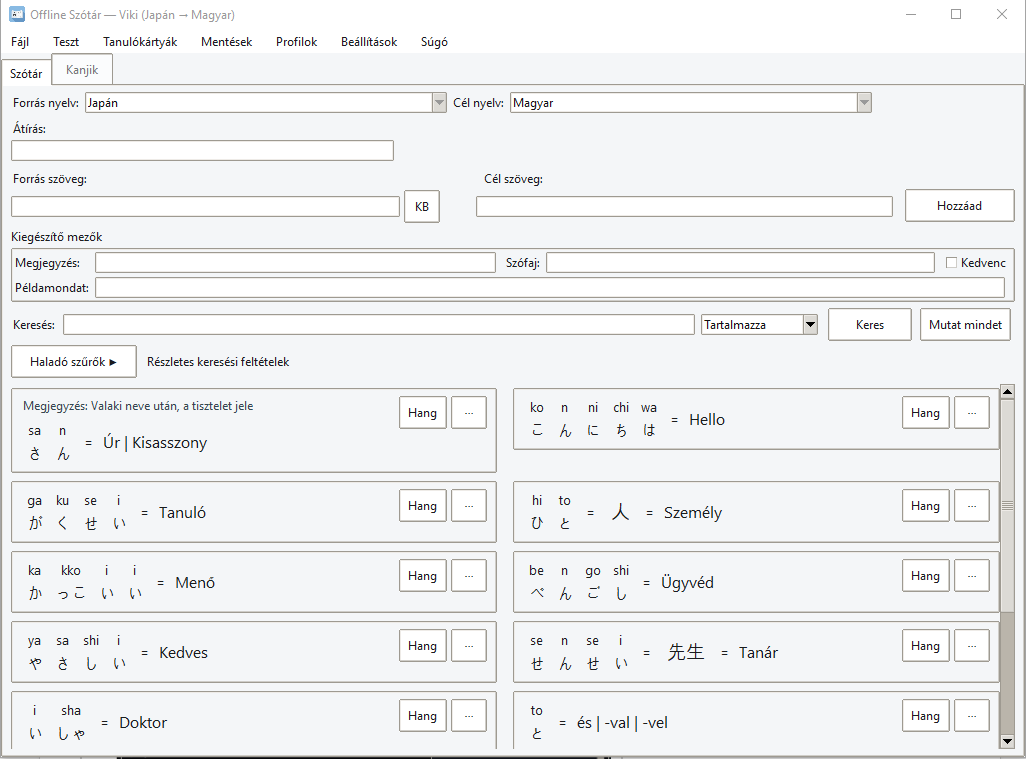
Tired of losing your language notes in messy notebooks? Offline Dictionary is a high-performance, standalone desktop application designed for serious language learners. Whether you are studying Japanese or any other language, this tool helps you build a structured, searchable, and intelligent lexicon that lives entirely on your computer.
Why choose this tool?
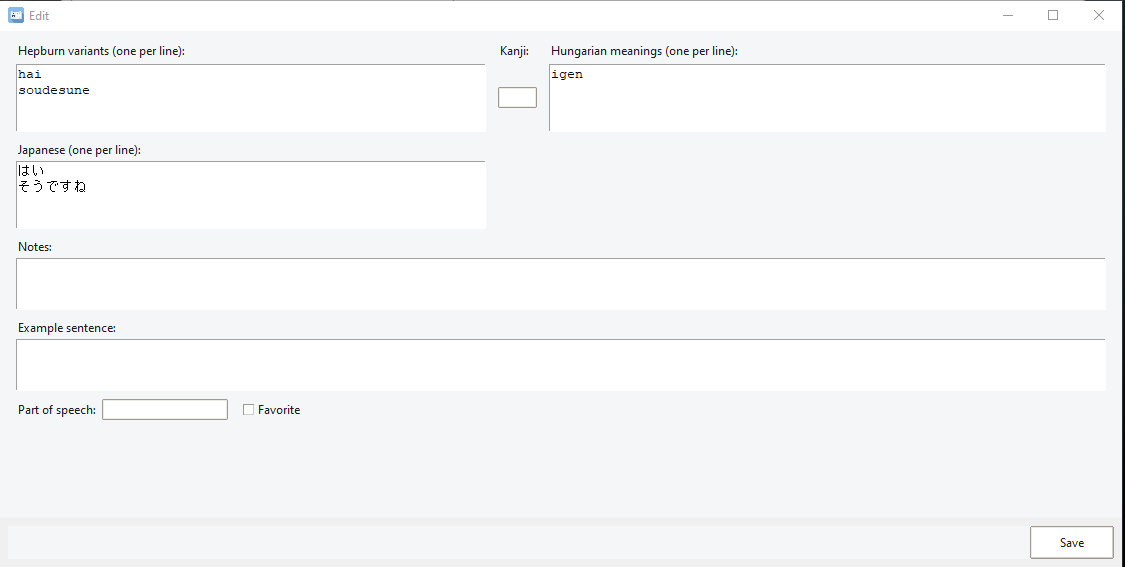
- Smart Synonym Detection: Unlike basic lists, this app detects if a word already exists and offers to add new meanings as synonyms instead of creating duplicates.
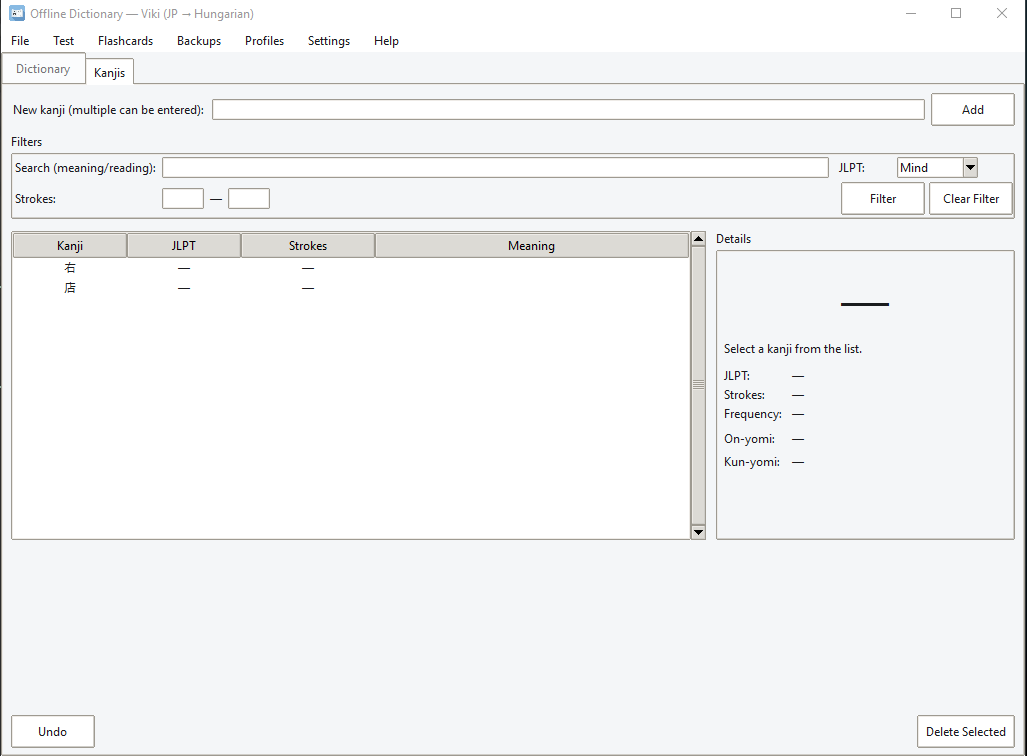
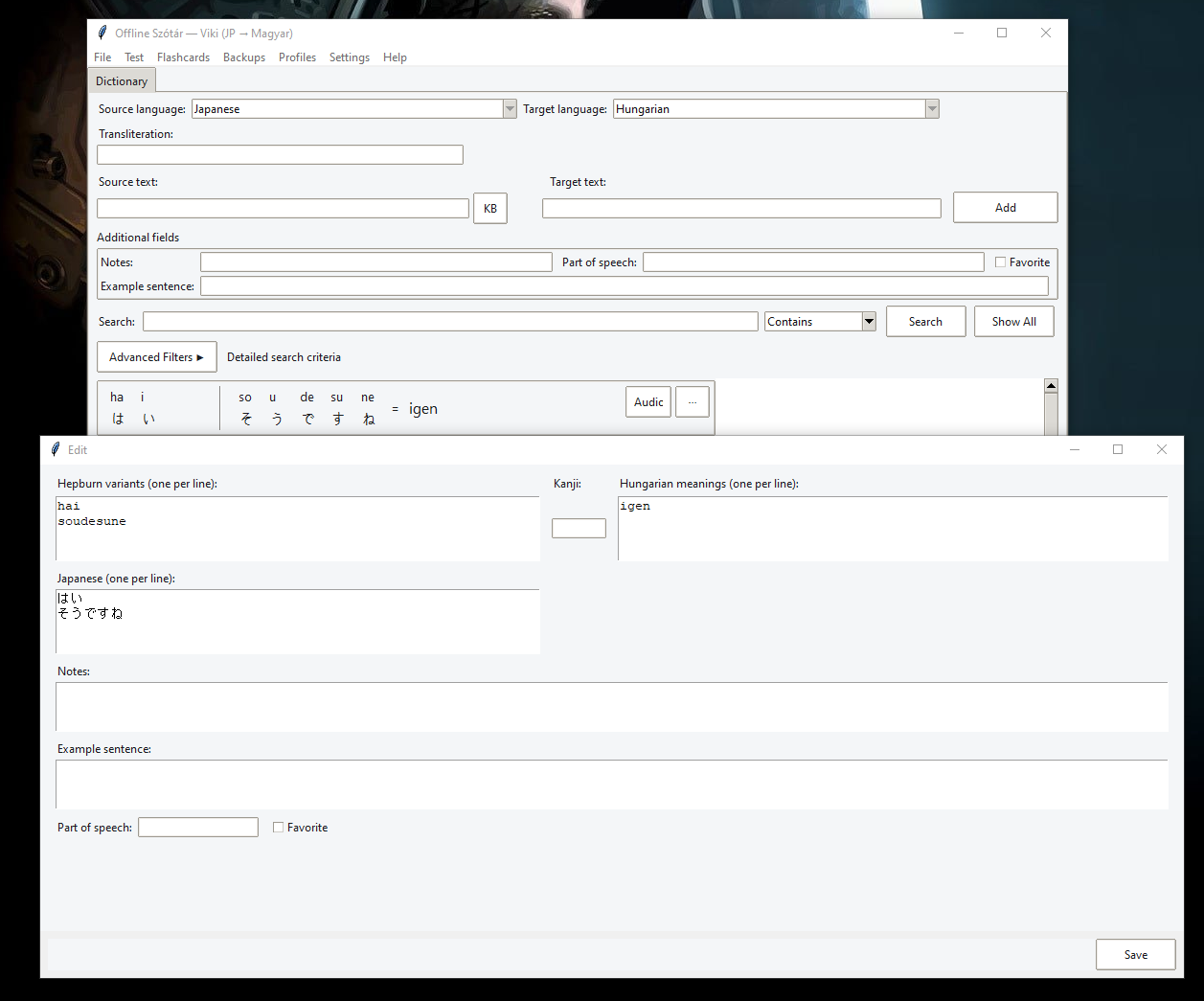
- Japanese-Ready: Built-in Japanese soft keyboard, Hepburn support, and a dedicated Kanji workspace with JLPT metadata.
- Powerful Search: Use advanced filters (including Regex) to find any word in a split second.
- Privacy First: Your database is stored locally. No cloud, no tracking, no internet required.
- Safety Nets: Automatic ZIP backups every 30 minutes to ensure your years of study never vanish.
Features at a Glance:
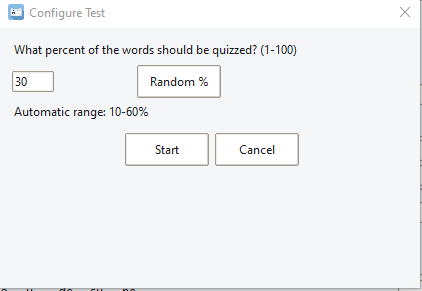
- Adaptive Study Modes: Timed quizzes and flashcards with streak-based scoring.
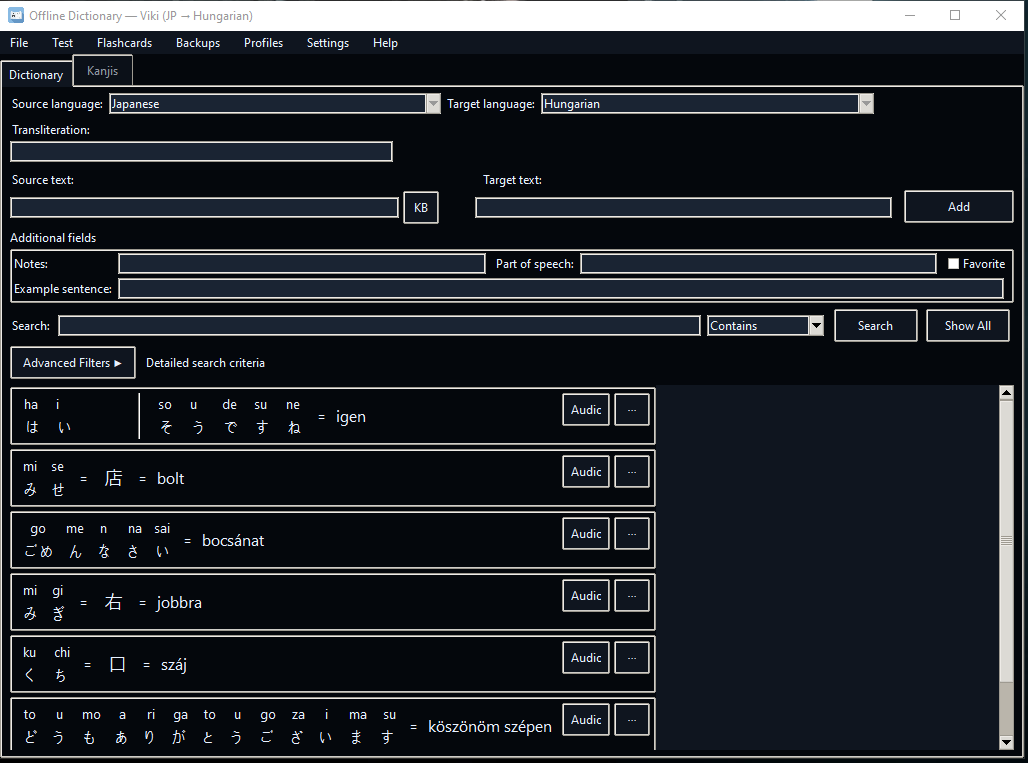
- Full Customization: Light/Dark themes, custom font overrides, and editable keyboard shortcuts.
- Export/Import: Take your data with you in CSV, JSON, or professional PDF formats.
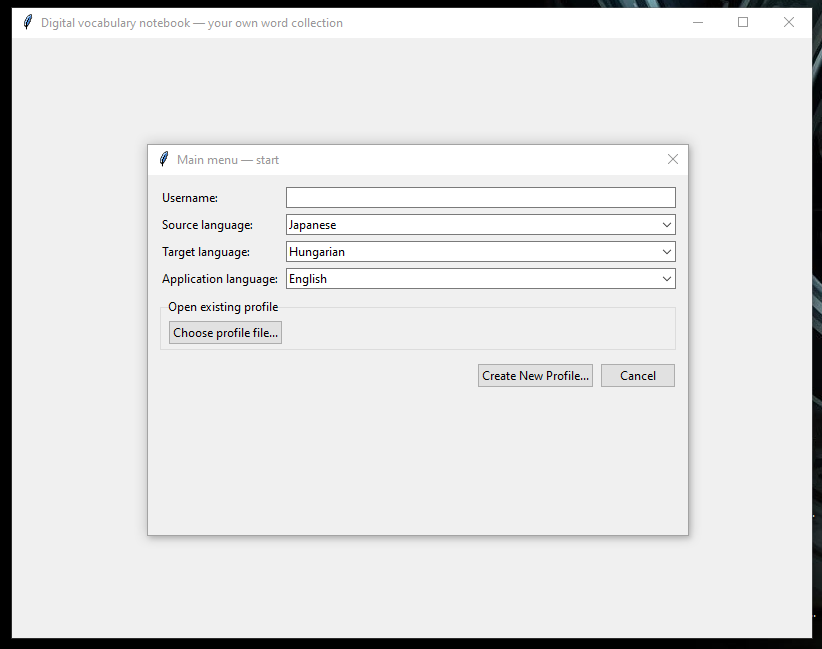
- Profiles: Support for multiple learners or different language sets on the same device.
Quick Installation Guide:
- Download the .zip file below.
- Simply run it!
- Note: Windows may show a "SmartScreen" warning because the app is from an independent developer. Click "More info" and "Run anyway" to start.
Support & Feedback
This is a solo hobby project, and I’d love to hear your thoughts!
- Bugs/Suggestions: Leave a comment here on Itch.io.
- Contact: v.morovitz@gmail.com | Discord: fridzsy
Download
Install instructions
Quick Start (For Windows Users)
If you downloaded the .exe version, you don't need to install Python!
1. Download and extract the Offline_Dictionary_2_1.zip.
2. Run Offline_Dictionary.exe.
3. Note: If Windows SmartScreen appears, click "More info" and then "Run anyway".
For Developers / Running from Source
If you prefer to run the script manually or contribute to the project:
System Requirements:
- Python 3.10 or newer.
- Optional: gTTS (for audio), playsound (for playback), reportlab (for PDF export).
Setup & Running
Bash
# Install dependencies
pip install gTTS playsound reportlab
# Run the application
python dictionary_app_045.py
## Running the App
```bash
python dictionary_app_045.py
```
The first launch creates `dictionary.db`, `settings.json`, and the backup folder inside the resolved app directory. Profiles can point to alternate databases if you want separate study sets.
Development log
- 2.1.2Jan 31, 2026
- 2.1.1 FixesJan 31, 2026
Leave a comment
Log in with itch.io to leave a comment.